



Solutions for Everyday Applications
You Require Choices.
We Provide You with Options.
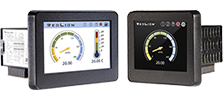
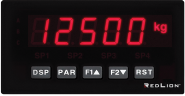
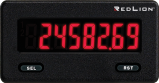
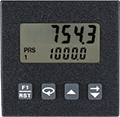
In today’s manufacturing environment, there is a greater need for data visibility, connectivity and operational insight. Next-generation panel meters from Red Lion deliver clear, concise and reliable system data in ways that make it easy for operators and production management to better understand and manage their operations with greater efficiency in real time.
Red Lion manufactures high-quality solutions for your digital and analog panel meter requirements. Red Lion began as an industrial panel meter manufacturer, and the high quality we built into our products 50 years ago continues today. Our portfolio offers you a wide range of models, sizes and capabilities — from our indicators to our versatile process meters with communication, you have the ability to add or change capabilities with plug-and-play, field-installable cards.
Meters for Any Application.
- Display Height .3” (7.6 mm) to 4" (101 mm)
- Digital Meters: count, rate, time
- Analog Meters: current, process, resistance, strain gage, temperature, voltage
- PID Control: current, process, temperature, voltage
- Outputs: relay, solid state, retransmitted analog
- Various communication protocols
- Field-installable option cards for changing business needs
- Easy-to-use powerful capabilities of Crimson® software

2023
Readers’ Choice Award
For 23 consecutive years the readers of Control Design Magazine have voted Red Lion the number one panel meter manufacturer in the industry.
Need Help Selecting The Right Meter?
Simply enter your panel meter requirements and find compatible meters that will fit your application.
You Make the Change. We Make it Easier.
Ready to replace your panel meter? You’ll need to select the correct replacement product from Red Lion. This tool will help you decide which product is the closest match and has the right features or options for all your needs.
We know you’ll love our panel meters. In fact, you can trade in your panel meter for a free Red Lion one.
Click Here to learn more about the Panel Meter Trade In Program.
Panel Meters for any Application
from the Leading Panel Meter Brand.
What Can Industry-Leading Panels Do For Your Business?
Our high quality panels are varied and versatile, able to meet a wide range of needs with an even wider range of capabilities—and we’re ready to tackle your challenges. To find out which panel is right for you or to learn more about Red Lion’s products, get in touch for a consultation.

